To my #deluxepaint and #imagemagick bubble: How can I swap two colors in an indexed color (i.e. 8-bit) palette based image? Let's say I have color 9 as the background color currently for a sprite sheet, but want it to be at index 0 instead. I could write a small program to do that, but I bet magick or DP can already do it!
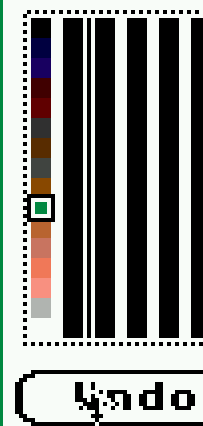
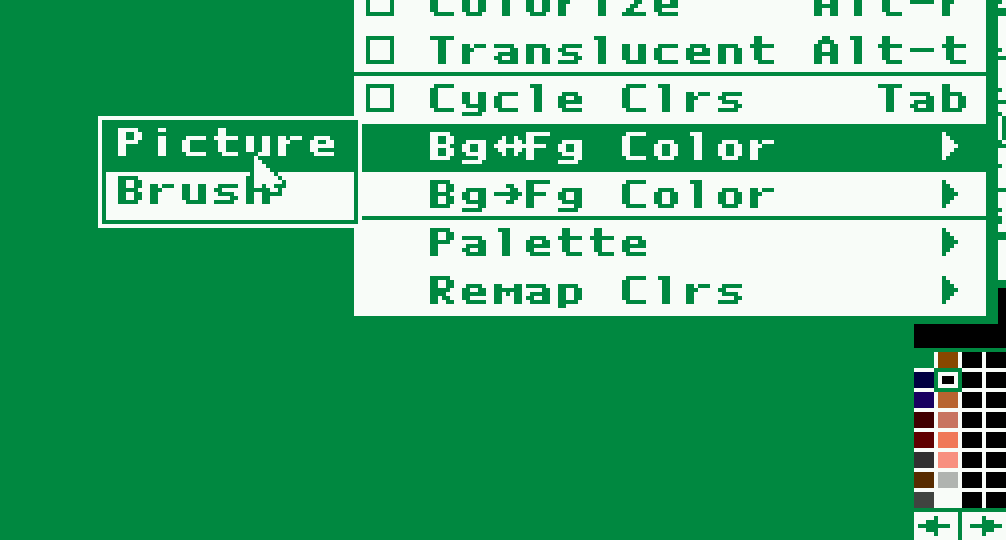
Found the DP solution:
1. From MISC choose Fg<->Bg Color, then Pict
2. Swap the two colors in the palette editor
For ImageMagick I am looking forward to seeing your solutions!
Edited 21d ago

@root42 Looking at that partial screenshot, it's the weird MS-DOS version of DPaint, or am I mistaking? 😃
@root42 😁
It's weird because it's like DPaint 2.5, with more colors than the OCS Amiga DPaint III version had at the time, but without animation, which DPaint III did have. 🙂 There has never been another MS-DOS version either. It's an orphan nephew of the Amiga's DPaint. 😉
Edited 21d ago