One handed keyboard manifesto
Full of Keyboard Commands, So Many of Them, and It Breaks My heart
In the screen-reading space, we have come a long way in information representation. We know earcons; we are good at implementing various voice profiles and sound profiles for events and attributes. But it's worrying me a bit that we may be going backwards, and I don't just mean navigational systems, I mean how features reach us in general. Complexity is not the problem. The missing alternatives for people who type with one hand, forget easily, or just get tired, that's what's eating at me.
And before this gets written off as a niche concern: we forget commands, we have impaired fingers, we have tremors, we get tired reaching for function keys. It's frustrating to remember while sighted folks can just visualise and click. This isn't a small thing, and the worst part is that we are doing it to ourselves. Where We Came From
The evergreen works from folks who developed blind games were amazing, mostly one-handed friendly, no multiple modifiers, everything achievable with arrows and Tab, and occasionally some alphabets. Remember Chillingham, Grisly Grudge, Hunter, Blast Bay Games, Cast Away, etc.?
Now sure, those were simpler tools for simpler tasks, and today's stuff does a lot more, I get that. But more capability doesn't have to mean more memorisation. Our own history already shows this.
Even Doug Lee's scripts have such implementations, where many alternative commands are given for a single functionality: the default with Alt or JAWS Key modifier, the layer command, and inside the layer command, you can use Tab and Enter to activate the similar command. In Skype or Discord, you can read all chat messages just by activating the layer and using the Up, Down, Home, and End keys. The best help system in those scripts is that you just use Tab and Shift+Tab to cycle through commands, and that way you don't have to remember hundreds of commands. We can then press Enter on a command to execute it. It's not just about exploring the command; the execution itself is assigned with one hand in mind.
So here is my question for everything: can a new user find and do any function, one-handed, without memorising anything first? That's the bar. If the answer is no, someone has some rethinking to do. JAWS: The Good and the Honest Gaps
JAWS hotkey help is another sleek invention. The Insert+H help system badly needs an emulation here in the accessibility space, a webpage linear structure where all the commands are just links to be clicked on.
The JAWS command search, despite its zen-mode loading time, is another great design decision that has changed people's lives. You just press Insert+Space and J, then type what you want to do in keywords, read the commands, and even press Enter to perform them. The Insert+F1 "context-sensitive help," the tutor messages, and keyboard voice always save people time by being brief and neatly helpful. Context-sensitive help is the most lacking concept in the NVDA screen reader.
The JAWS and Touch Cursor is a complex interface traversed with just arrows. The Home Row mode utility allows developers to explore Windows and its hierarchy with arrows and occasional alphabets. With all its complexity, the Settings Centre just requires you to search, press Space, then press Escape, and Space again to save. One-hand commands, to and fro.
JAWS also comes with an "Insert Key Mode", a sticky key concept. The Insert key functions as a sticky key: any key pressed immediately after pressing Insert is treated as if it were pressed in combination with it. The recent Table Layer commands have simplified table navigation a lot, and you just use the arrow keys to traverse tables. Doug Lee extended this implementation to list views through his ListTbl, a JAWS script for navigating ListView controls with table navigation commands.
Obviously, there is bad design in JAWS too. To know the time and date, you need to press Insert+F12. Wow, that's too remote. I changed mine to Ctrl+Shift+X. Adding to that, you need to go to farther places to modify your keyboard commands, which is just a pain for new users who struggle with their hands and fingers. NVDA is even further behind and has a lot more to figure out with its Input Gestures system. With JAWS, you can at least find a function by its assigned hotkey and change it; I don't think you can do that just yet with NVDA.
When using the HotSpotClicker scripts by Jim Snowbarger, I am amazed with the implementation of adding a hotkey to a hotspot set, in which a generous timer with a keyboard trap is initiated, and you press the key you want the hotspot to record. This concept should be further expanded into a proper standard: an easy mode to search or press the command you want to change, then press the new command, then verify and save. One hand, from start to finish. That shouldn't be too hard to build, honestly.
Going back to my keyboard gripe, don't let me get started with the gazillions of Braille display commands in JAWS. That's beyond my expertise, but I have heard plenty of stories, and it's not beginner-friendly, to put it simply. These things are full of life. From these creations, we can both learn a tonne and disregard problematic practices. Do JAWS or NVDA have a one-handed keyboard layout mode? If not, well, someone has something to build. Mainstream Lessons: Reaper DAW
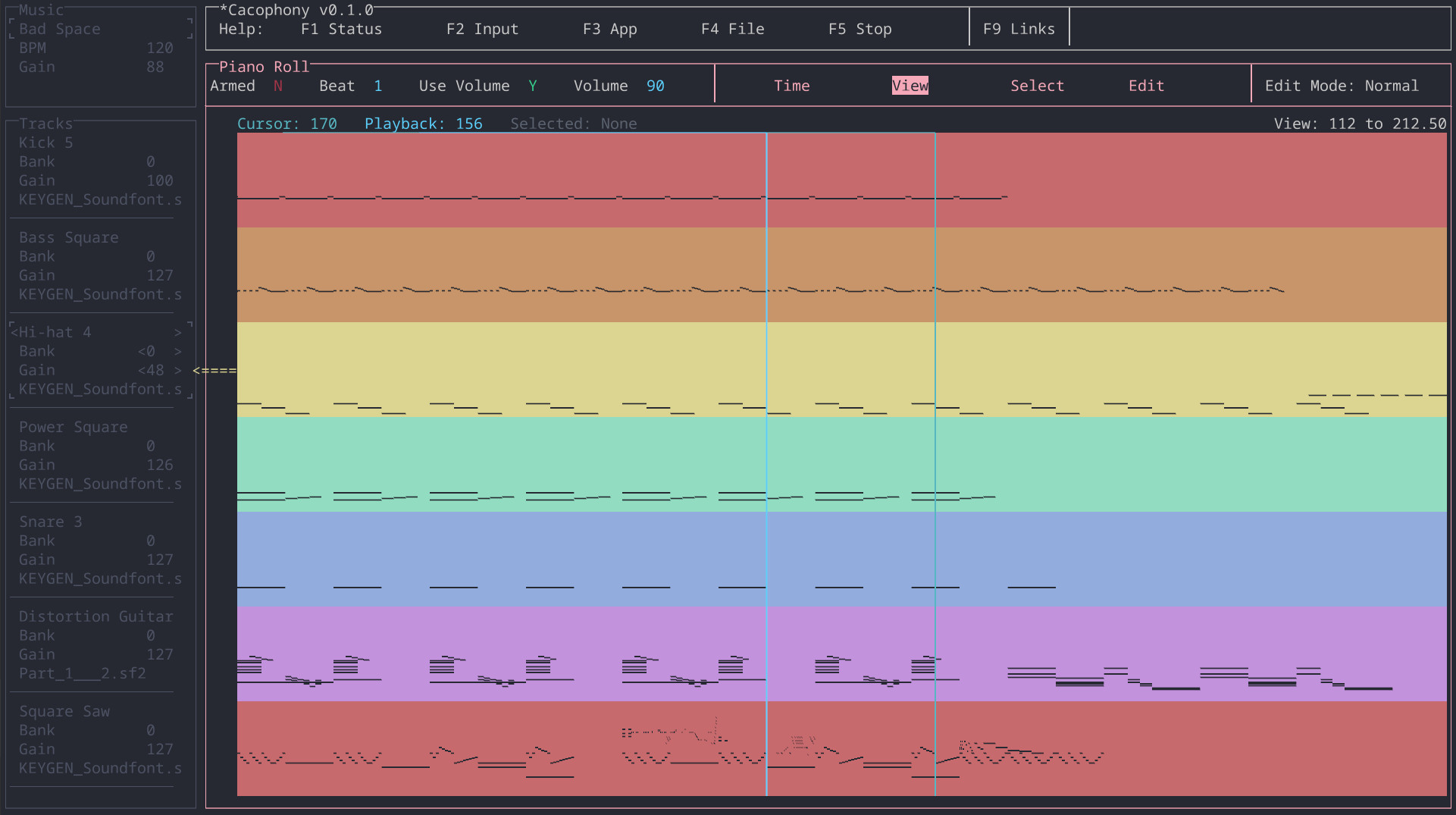
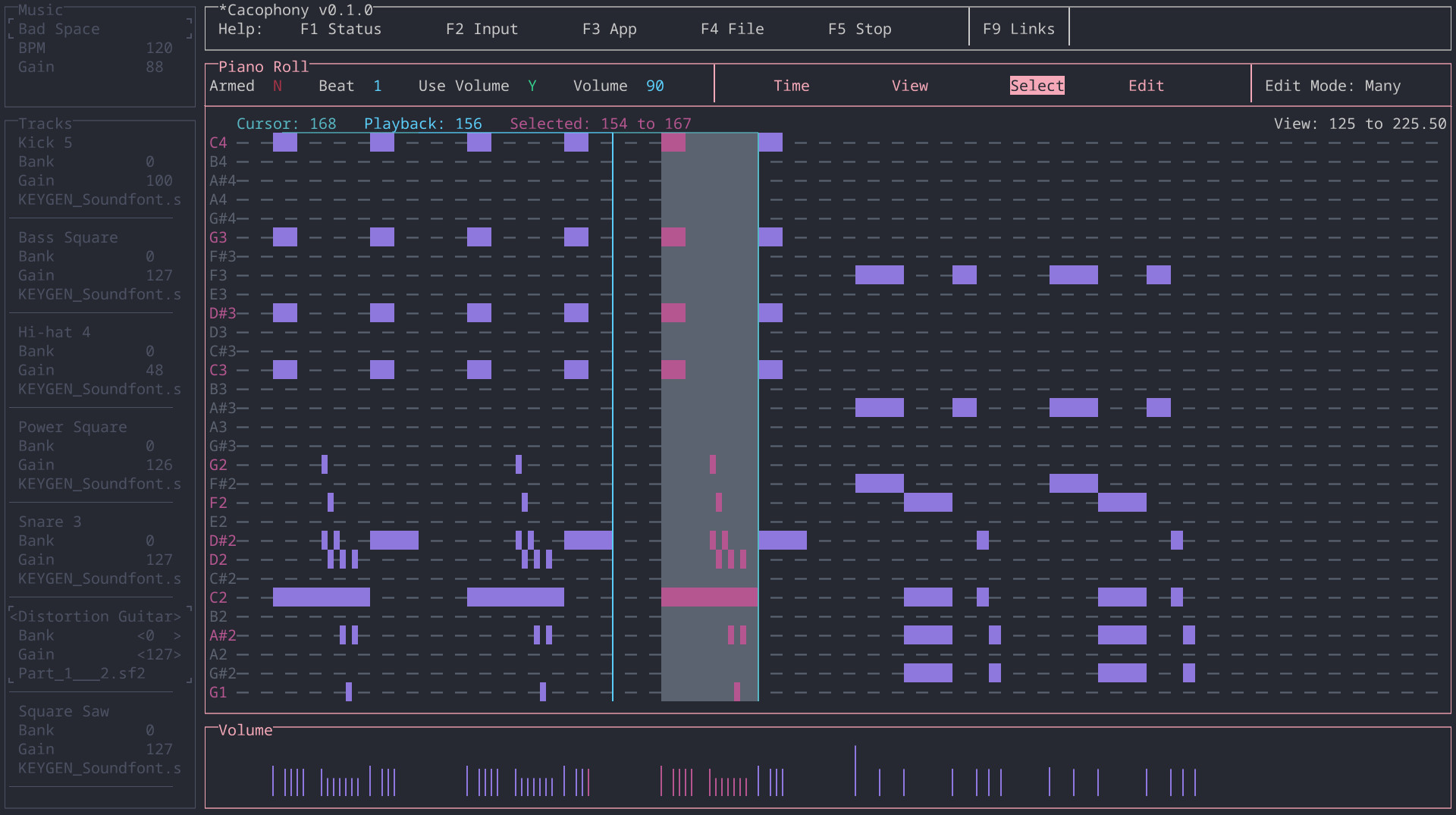
In the mainstream space, the Reaper Audio DAW is an exemplary software that many others should look at. Yes, it has many commands, and it's further complicated by the ReaPack and OSARA implementations. @jcsteh and @Scott would be a testament to that. Reaper has a design process where every possible function can be learned or performed in multiple ways: by searching, by adding your own commands, or by using the keyboard tutorial mode to learn them first. The complexity is real, but so is the way out of it, and that's the whole point. I am not a full-fledged Reaper user, so excuse me for my oversimplifications. Scripts That Got It Right
There are other JAWS scripts from which we can learn a tonne of inclusive human design concepts. What they all have in common is what I was just talking about, you can find anything without knowing it first.
Take the JFW Technical Scripts by Jamie Teh, no keyboard commands to memorise. It's just Ctrl+Shift+J, that's all. All other functions are browsable in a virtual viewer within subpages and sections separated by headings.
Same for the Jawter script, created by @cachondo, which later inspired many other blind programs like Qwitter and TWBlue by @josh. The design is two modifiers with one hand; the other hand presses one key at most, mostly arrows, or any alphabet. In Qwitter and other programs, there is even a key describer mode to familiarise yourself with the commands, and a sticky mode to keep the Alt+Win key active while you use alphabets and arrows to navigate Twitter.
Jamal Mazrui is very much an icon in implementing keyboard-first tools. In every one of his tools, you have Alt+F10 or Alt+Shift+F10 to navigate the menus, and admittedly, those may require two hands. Inside these menus, every item is given a keyboard command, and you can use first-letter navigation to reach them.
There are surely equally complicated things in there that we may choose to refine. Work done by @matt with earlier Serotek and now @pneumasolutions is many, many times commendable. Remember how you used to navigate the SAMNetwork or DocuScan Plus? Even with the RIM software, navigation is just by Tab and Shift+Tab, or headings and links, simple as that. If you want, you can remember keyboard commands that have only a modifier with an alphabet, or Alt with an alphabet.
The System Access screenReader also comes with many great additions like that. The menu structure is webpage-like, and to go to each menu you just press one key, if I am not mistaken. It's fast, mindless.
I have not used GWMicro's Window-Eyes screen reader so deeply, but I am certain that the script and app developers there have created many more patterns that we can document, emulate, and equally follow. I am also sure that Vim, Emacs, and other open-source Linux implementations that are keyboard-driven have more ideas waiting to be implemented. Aliases? Batch commands? Macros? The Complexity Creep Problem
Nowadays, yes, we have more accessible tools, but also more keyboard commands to remember, without proper recourse or remedy for one-handed people or those with less cognitive reserve. Look at Google Suite, Office ribbons, so many layers of taxing keys with blatant disregard for design and simplicity, and loads of gymnastics we have to perform. Yes, for Google Suite there is Alt+Slash, and for Office there is Alt+Q, but imagine how much it can be simplified by adding alternatives that allow for more visualisation and less remembering.
This phenomena of mindless keyboard commands is creeping into JAWS scripts and NVDA add-ons as well. I am going to point some fingers at great people I have very much respect for. They have great product ideas and design that are benefiting lots of Blind people, and I am going to traverse their work and point out the good and the bits they can think about more. I am not here to tear down anyone's work or generosity, I just think there is a next step here.
@hartgenconsult is a champion in keyboard tool-making, from JTools all the way to Leasy. Something we should learn here is that the JTools/Leasy Help key (H) is a central place where all keyboard commands with categories are shown and can be activated by pressing Enter, a huge design gesture with simplicity in mind. And it's also context-sensitive, if I have this right. That's what I keep talking about, right there.
Despite the beautiful implementation, there are things that can be further studied. I am sure I am strawmanning his hard work here, but what I find is it's often hard to remember layers upon layers of keyboard commands. Let's take the Leasy clip operations, which may have been inspired by the HJClip days, made by an English developer whose name escapes me, and later further tweaked by Getinra. Both in HJClip and Leasy, it's simply too many commands, at least for me, to perform the myriad, complex keyboard operations.
In JTools, all clips are located on the function keys, honestly that's too much. In Leasy, it has certainly improved; I believe it's all on the number keys now.
My concrete suggestion here is to look at clipboard buffers, which are even older than HJClip, originating from the Vim system. @pixelate may enlighten me on whether Linux has this system, but Doug Lee created a similar buffer system in his BX key, and his approach is the model worth following. You can think of it as many clipboards. You trigger the command, say left bracket, and assign a text to an alphabet (say, S), then to paste it, you double-press S. You just add one modifier to that S to copy to clipboard, append, or clear that buffer. One hand, one simple mental model, and you have as many clipboards as you need.
Below, I am reproducing his clipboard buffer method from the BX documentation:
Text Management -- Commands for cutting, copying, pasting, and combining text blocks, and for holding blocks of text in up to 26 buffers named by single letters. This system was inspired by the buffer system in the "Vi" text editor found under Linux and other similar operating systems. The NVDA Add-On Renaissance
In the NVDA add-on ecosystem, it's a renaissance time. Add-ons are flourishing, and at the same time, people have to remember more. These two things don't have to come together, and some add-ons are already showing that.
One of them is the Instant Access add-on by Kamal Yasir. Thanks to @doubletap for introducing it to the world. The concept is simple: you pick a file, web shortcut, or folder, assign it to an alphabet, and launch it with a layer. It's fast, one-handed, and it works. The concept may be inspired by @brian_hartgen's JTools and Leasy, further refined into a buffer concept. I think new add-ons should be looking here for inspiration.
The Markdown Navigator add-on simply invents a layer to make Markdown documents browsable, making everything familiar by triggering the browse mode concept we are all so used to. You already know how to use it, and that's the whole point.
Other developers, still early in their work, are also trying their best to simplify their add-on designs. @Tamasg's TGSpeechbox is a revolution in the Blind TTS community. What could be improved further, and I really want this add-on to do well, is to make the huge settings panel with help context optionally enabled. Say, if someone checks a box to enable help, every arrow to a setting under the settings panel would briefly speak what it is. The huge settings panel would be further accessible if an item-chooser or Reaper Command Center-like approach were implemented, so people can type a phrase or a few letters to narrow the options. That one thing would make a tonne of difference, I think.
@ppatel's Terminal Access is another long-awaited terminal accessibility enhancement for NVDA. He does not stop there. Knowing that blind people deal with subpar experiences in many terminals, he painstakingly created profiles for many popular ones. Kudos to his many contributions, and to @tspivey for being a great backend inspiration for his work. The add-on quickly grew in complexity, and a menu-like or tab-like structure is much needed to navigate the huge layer commands, so people can zip through various functions using arrows, Tab, and so on. The foundation is solid, what's still missing is the discoverability layer. Closing Thoughts
I want to end here by saying that we often hold the strong impression that keyboard-only interfaces are flawless, and that our hands will not defeat us. But it's sad that often, when a piece of Blind tooling gets more complex, developers simply pile on more and more commands without paying enough attention to engineer them to be compatible with Blind people of many kinds.
I am not asking for less powerful tools. I want tools where you can find any function by browsing or searching, where one key gets you in and arrows get you around, and where memorisation is a choice rather than a requirement. We have done this before. Doug Lee did it. Jawter did it. Reaper does it. The knowledge is already in our community.
Generally, our difficulties compound as we get older. We forget commands, we have impaired fingers, we have tremors, we do feel tired reaching for the function keys. These are not rare cases, this is where most of us end up. Most importantly, it's frustrating to remember while sighted folks can just visualise and click. In those days, Blind software was designed with visualisation and muscle memory baked in. Now, we are losing our grip on that inherent creativity, more and more complexity, without reverence for the simplicity we know and love.
I think we can do better than this for each other.
#accessibility #jaws #screenReader #Blind #linux #opensource #reaper #daw #NVDA #keyboard #disability #web #design #ui #a11y #scripts
















 alternate